Troubleshooting
What to Do When the Result Looks Wrong
AI pictures are different every time, and some come out wrong. These steps fix most problems.
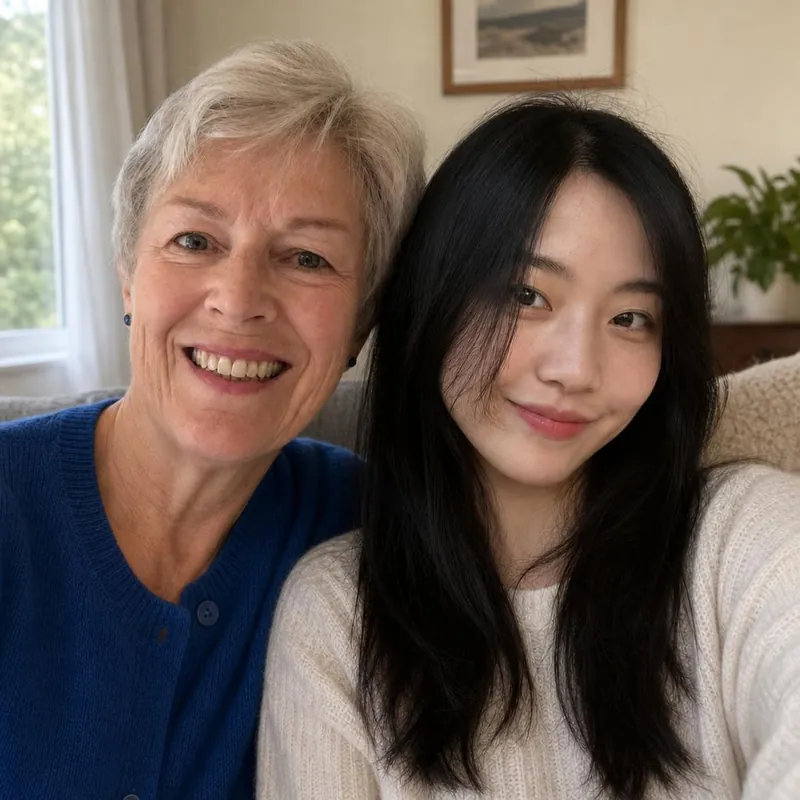
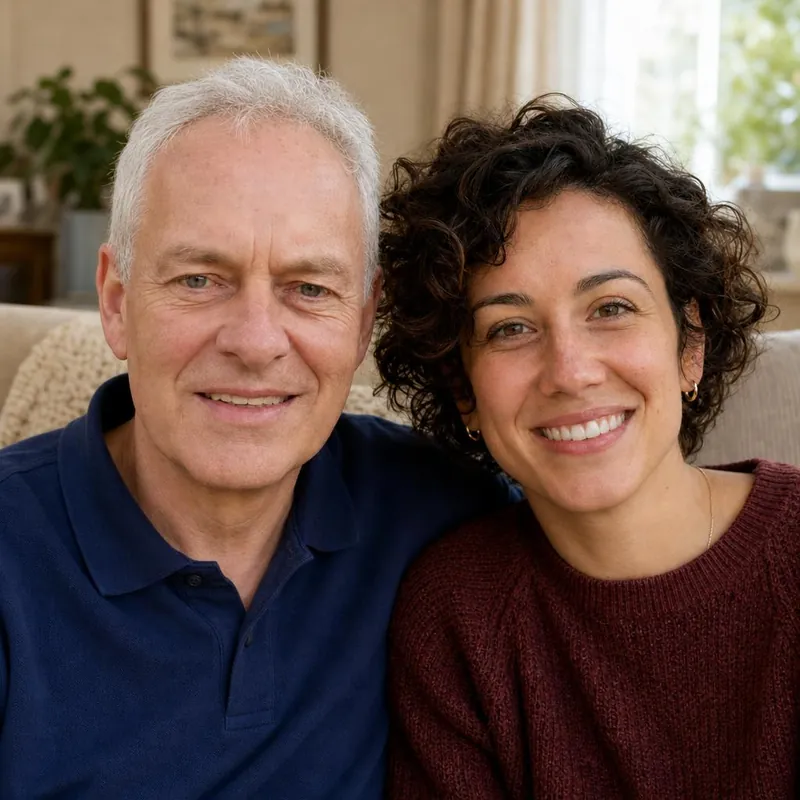
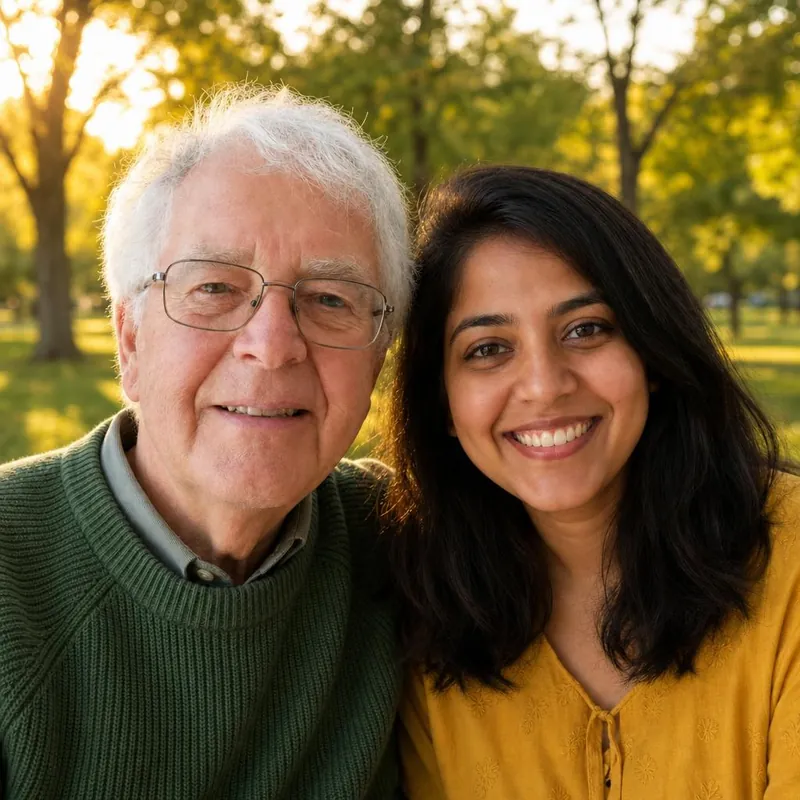
A face does not look like the person
Use a sharper photo with the face larger in the frame and looking toward the camera. Remove sunglasses and avoid heavy filters.
Two faces look too alike
The AI can blend features, especially with relatives. Try again, or use a clearer photo of each person.
A pet's colours or markings changed
Pick a photo taken in daylight where the coat pattern is clearly visible. Very dark and very white coats lose detail in poor light.
Sizes look unnatural
A small pet can come out too large, or a child too tall. Try the same photos again, or use photos taken from a similar distance.
An extra person or animal appeared
Crop each photo so it shows only one subject, with no faces or pets in the background.
Try again before you pay
You can create another preview within the usage limits. Payment does not regenerate or improve a picture, so pay only for a preview you are happy with.
Bring them into the same frame.
Start with a free watermarked preview. No account needed.
Choose your studio ↗