How-to
How to Merge Two Photos into One Picture with AI
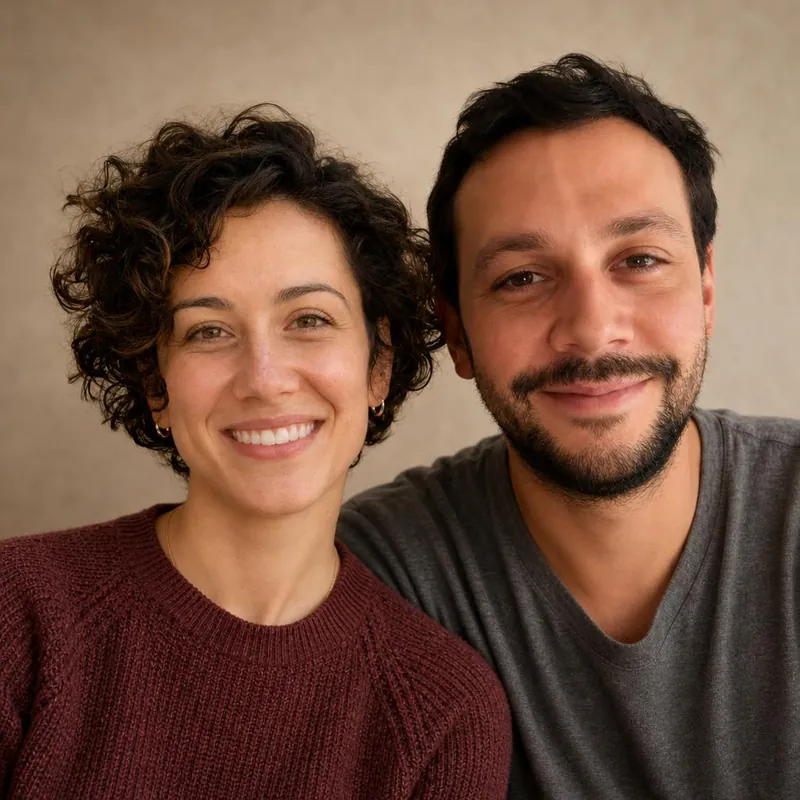
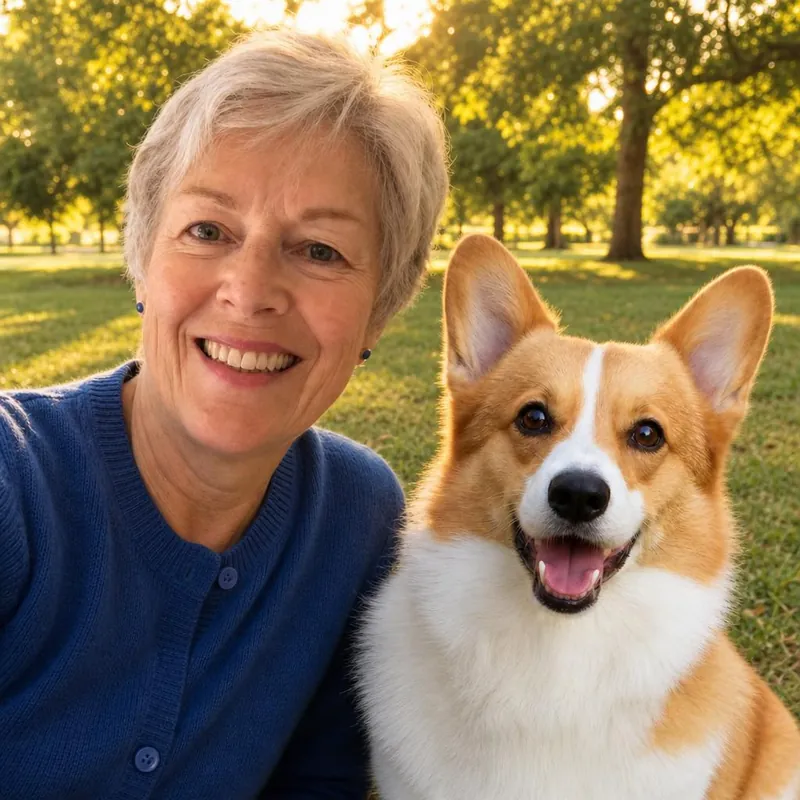
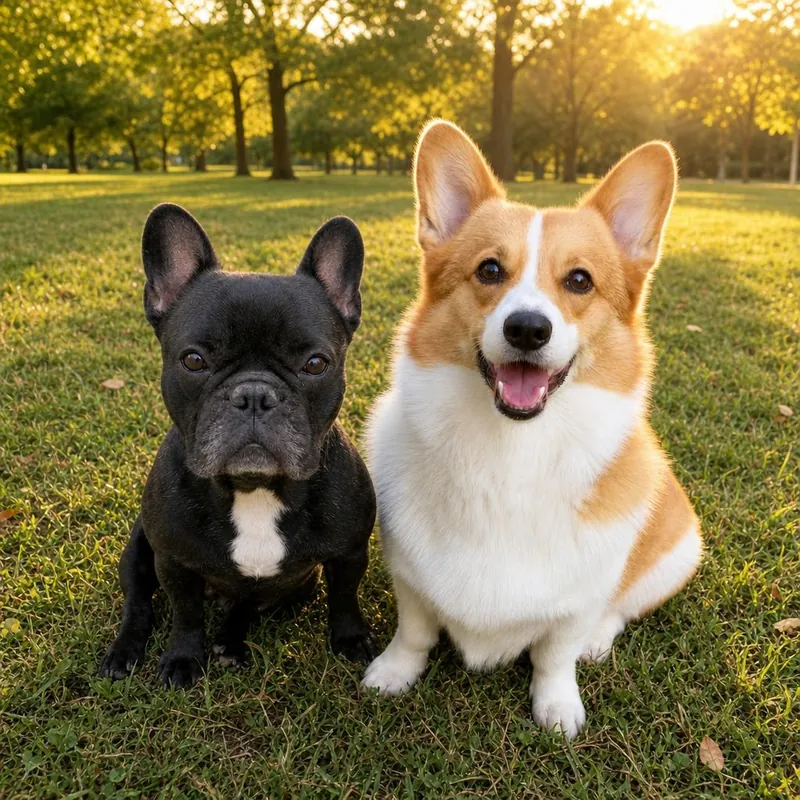
Merging two photos used to mean cutting one person out and pasting them into another picture. AI works differently: it creates a new picture that shows both subjects together.
What merging means here
SameFrame AI does not copy and paste. It uses your two photos as references and generates one new image with both subjects, shared lighting and one background.
Choose the right studio
Pick two people, a person and a pet, or two pets. Each studio expects one subject in each photo.
Pick two clear photos
Use sharp, well-lit photos where each face is easy to see. Similar camera angles help the two subjects look natural together.
Choose a setting
The setting replaces both original backgrounds, so the two photos do not need to match. Choose from a studio, a living room, a park, a beach, a holiday room or a natural setting.
Check the preview closely
Because the picture is newly generated, details can change. Compare each face, the fur and the hands with your photos before paying.
Save the result
Download the free watermarked preview, or pay US$1 for the original. The picture is available for 72 hours after generation.
Bring them into the same frame.
Start with a free watermarked preview. No account needed.
Choose your studio ↗