Photo tips
Photo Tips for Combining Two Photos with AI
The two photos you choose matter more than anything else. A few simple checks give the AI more useful detail.
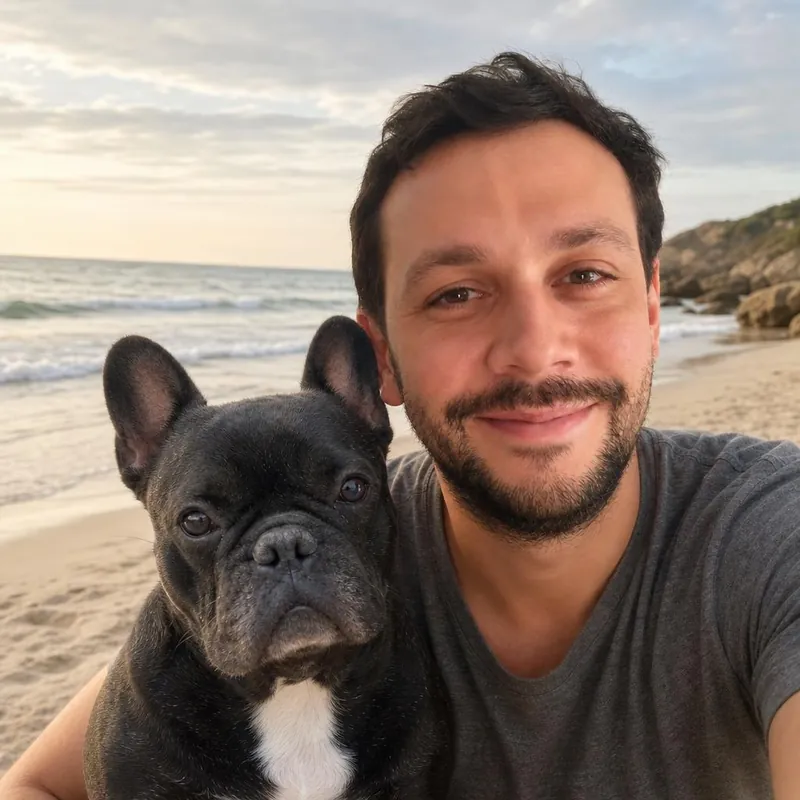
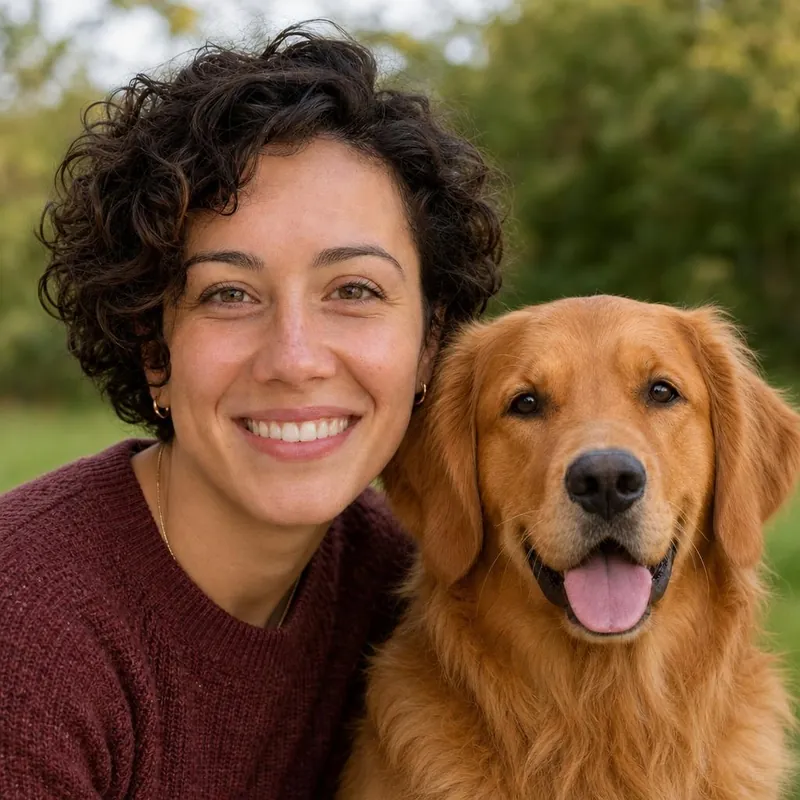
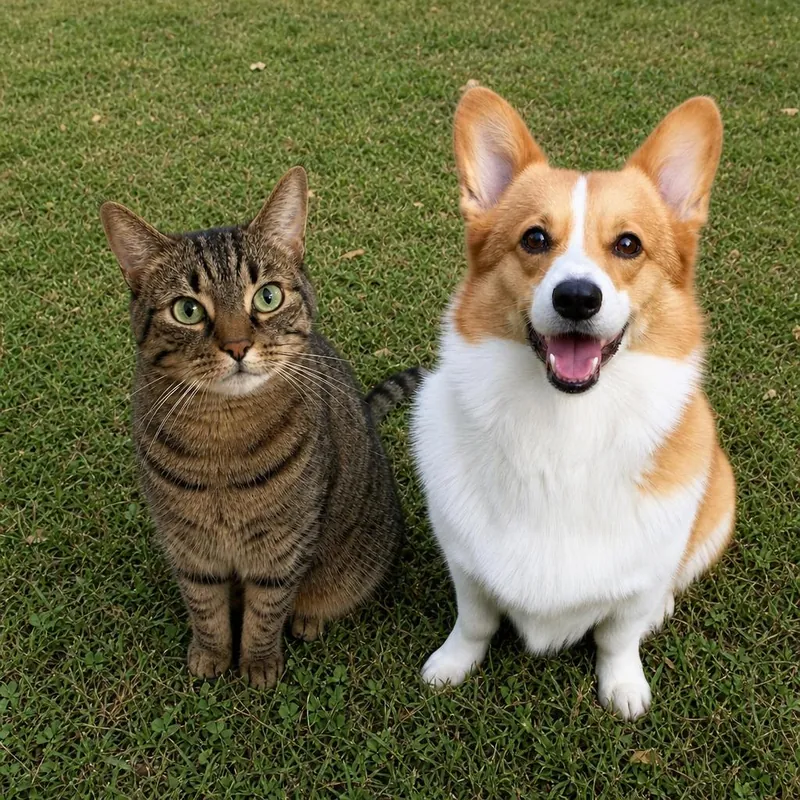
One subject per photo
Each photo should show one person or one pet. Crop out other people and animals before you upload.
Faces large and sharp
The face should fill a good part of the frame and be in focus. Avoid sunglasses, masks, hands over the face and heavy filters.
Soft, even light
Photos taken near a window or in open shade work well. Avoid harsh shadows across the face and strong light from behind.
Similar angles
Two photos taken at about eye level combine more naturally than one from above and one from below.
Supported files
Upload JPG, PNG or WebP files up to 10 MB each. iPhone HEIC photos need a JPG copy first. RAW, PDF and video files are not supported.
Expect some differences
Even with good photos, the AI can change details. Use the free preview to decide, and generate a new result if it is not right.
Bring them into the same frame.
Start with a free watermarked preview. No account needed.
Choose your studio ↗