▣ sameframeai.comCreate a photo ↗
Menu

Studio · Two people

Two people, one photo.

Upload one photo of each person and see them together in a single picture.

1

Add two photos

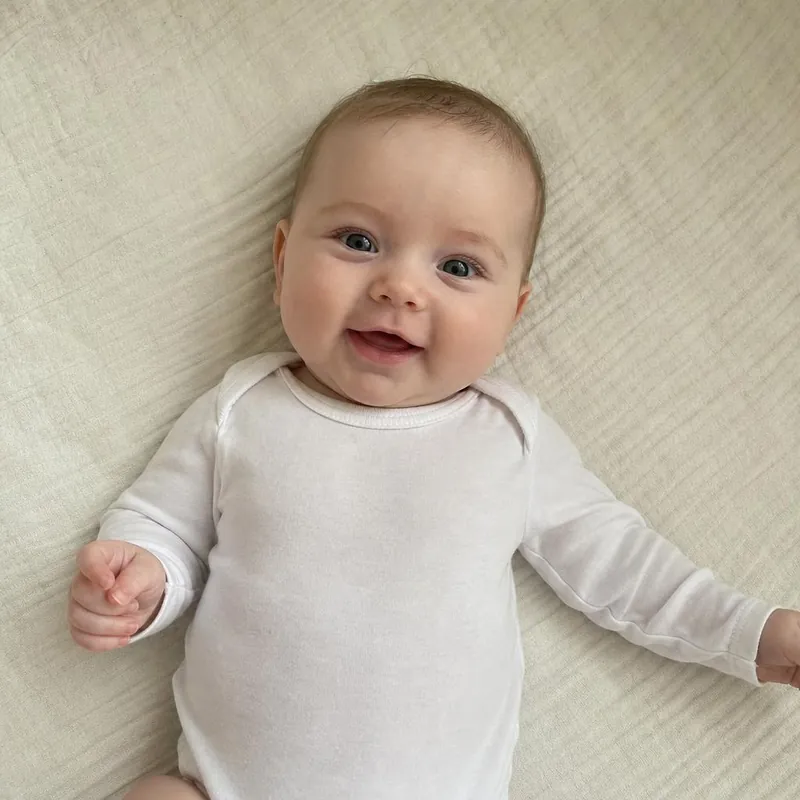
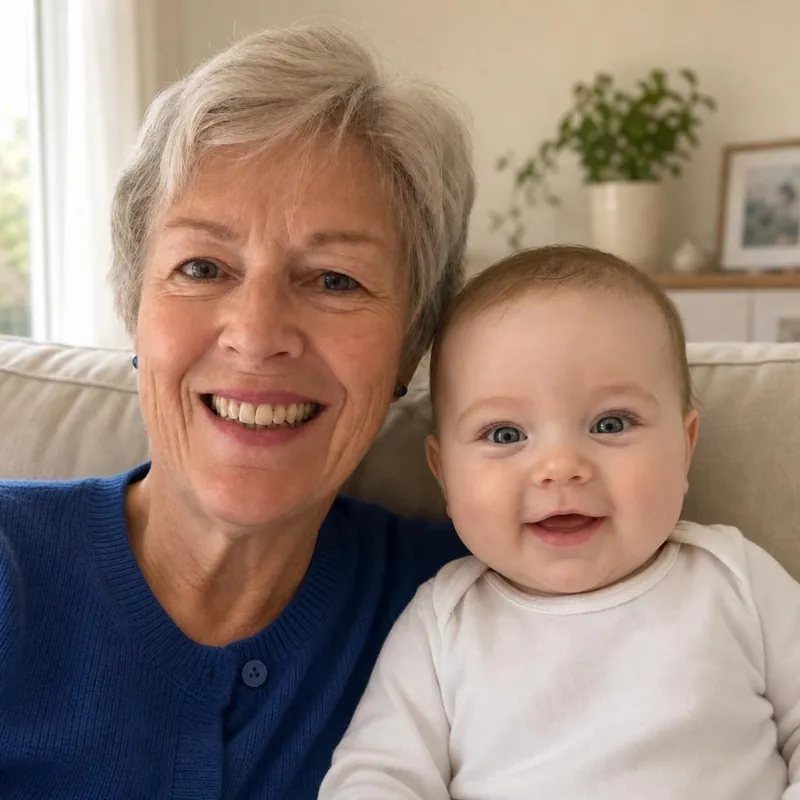
No photos at hand? Load two AI-generated sample photos and see how it works.

JPG, PNG or WebP up to 10 MB. One clear subject per photo works best.

JPG, PNG or WebP up to 10 MB. One clear subject per photo works best.

Add a third person or pet (optional)

JPG, PNG or WebP up to 10 MB. One clear subject per photo works best.

The setting guides the background and light. Every result is unique.

2

Your result

Your picture will appear here once it is ready.
Your SameFrame AI result

Crops are centered and may trim the edges. The generated image is 1024 × 1024; cropping does not add detail.

US$1 per picture, one time. The original is kept for 72 hours. Start checkout before the final two hours. No subscription.

Free preview. US$1 if you love the result.

Photo tips & how it works ↗Find a previous picture ↗

Example gallery

Examples from this studio
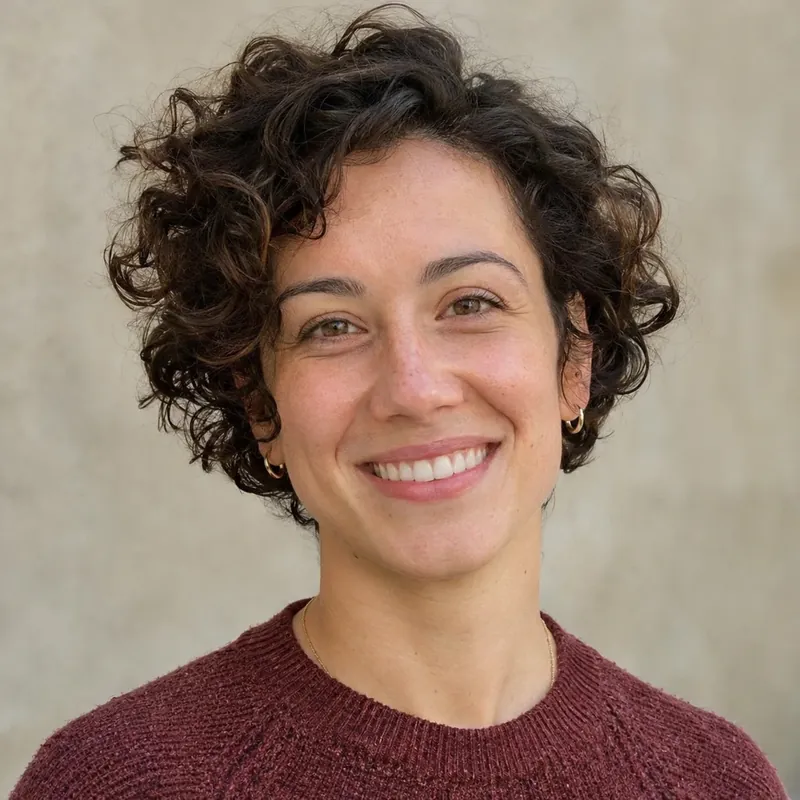
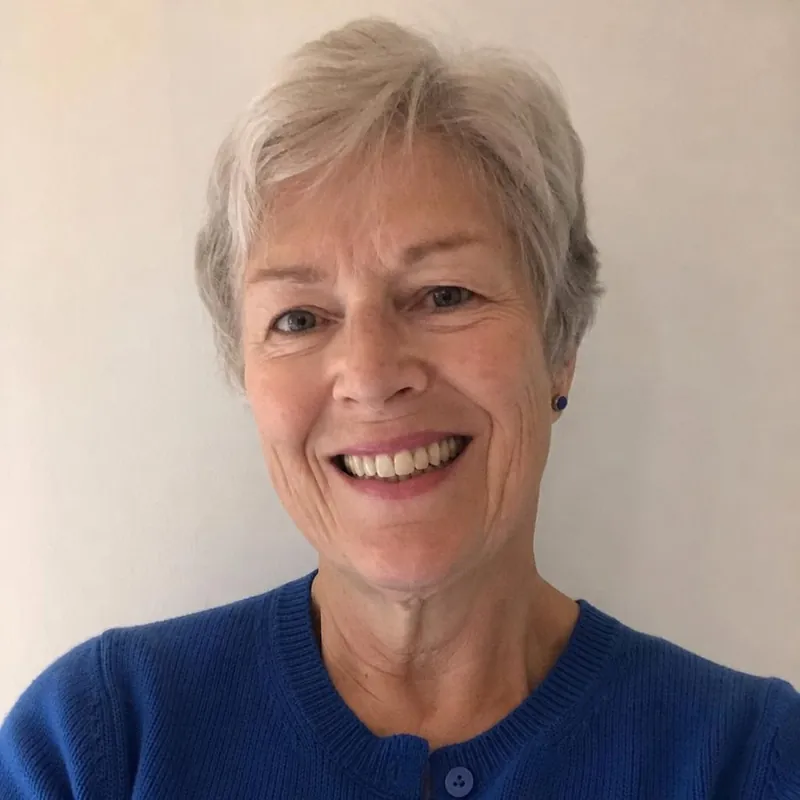
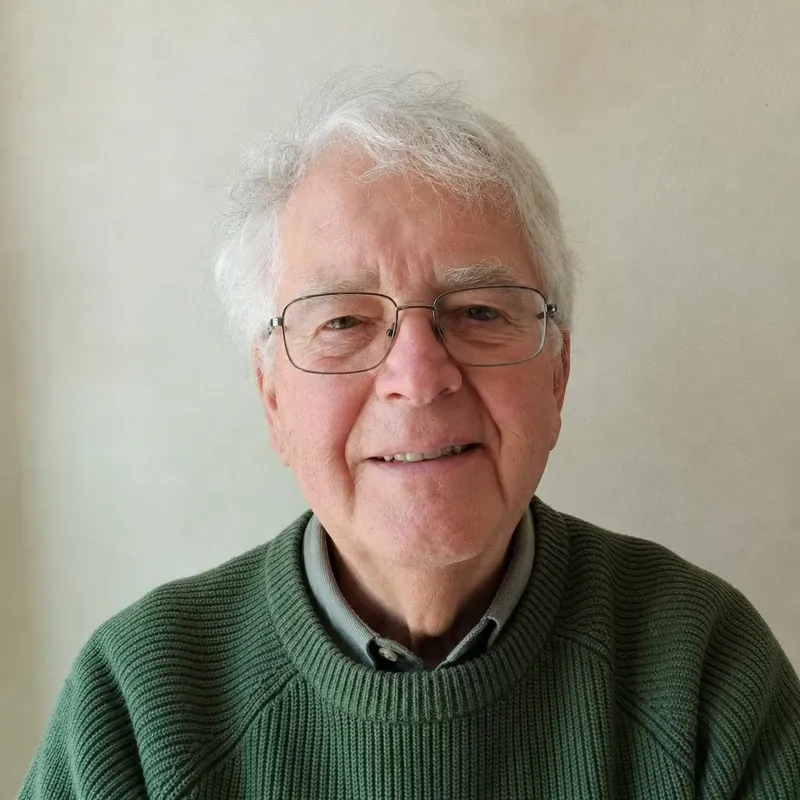
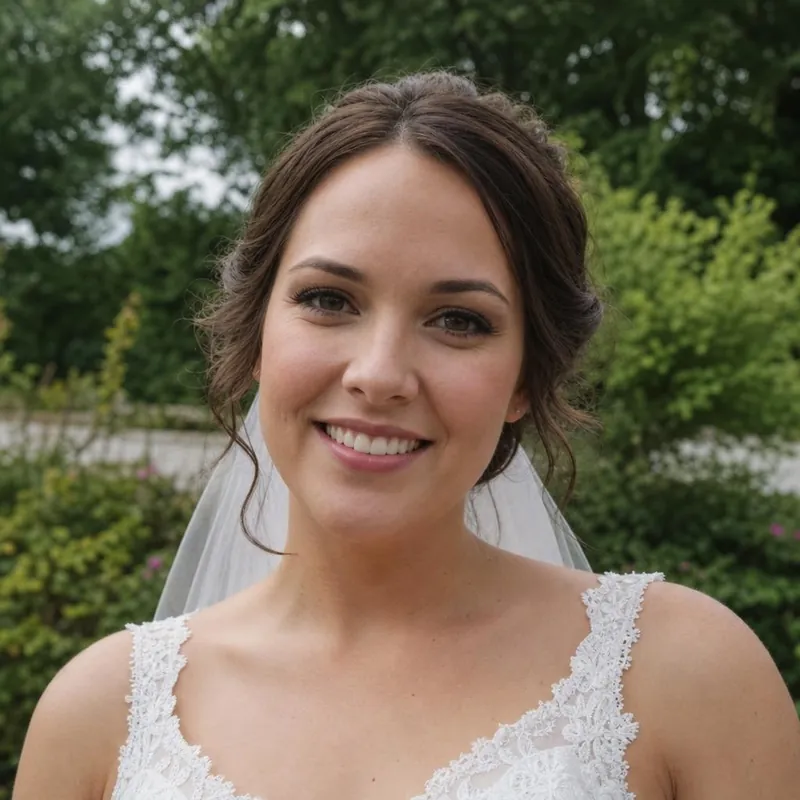
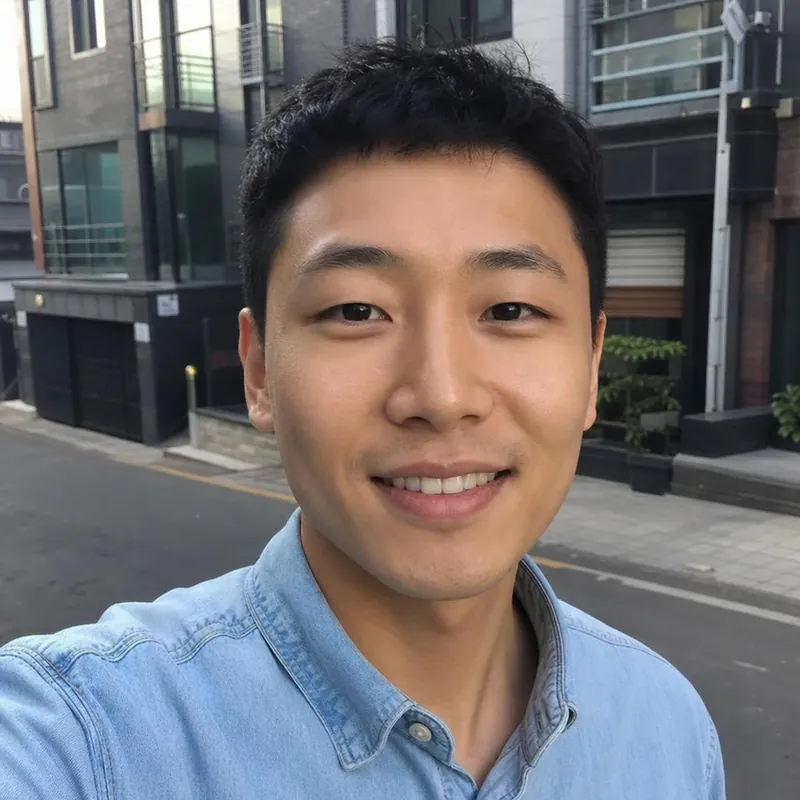
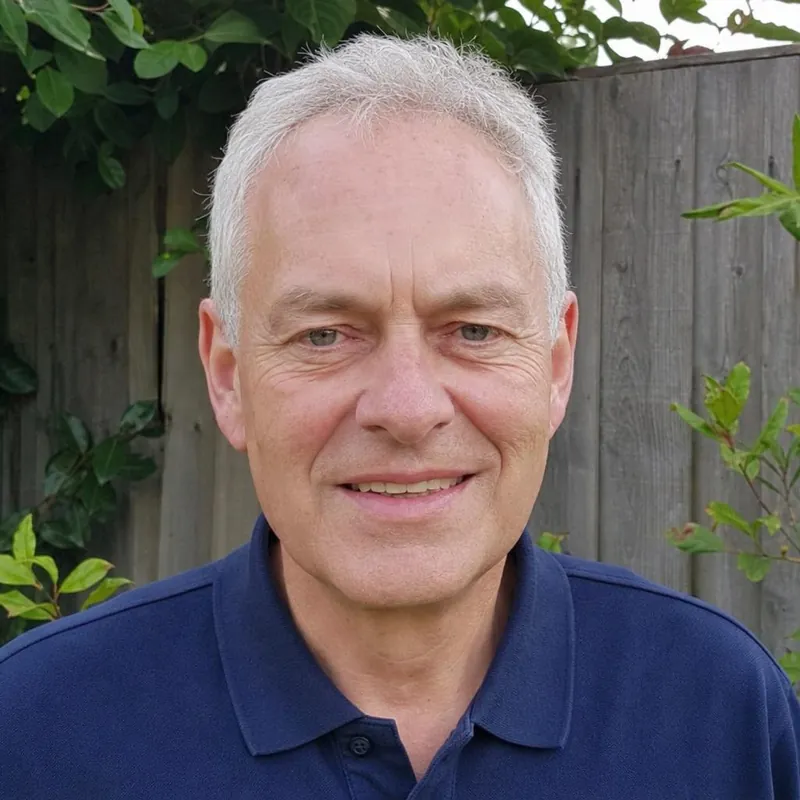
Illustrative input photo
Source photo · illustrative AI image
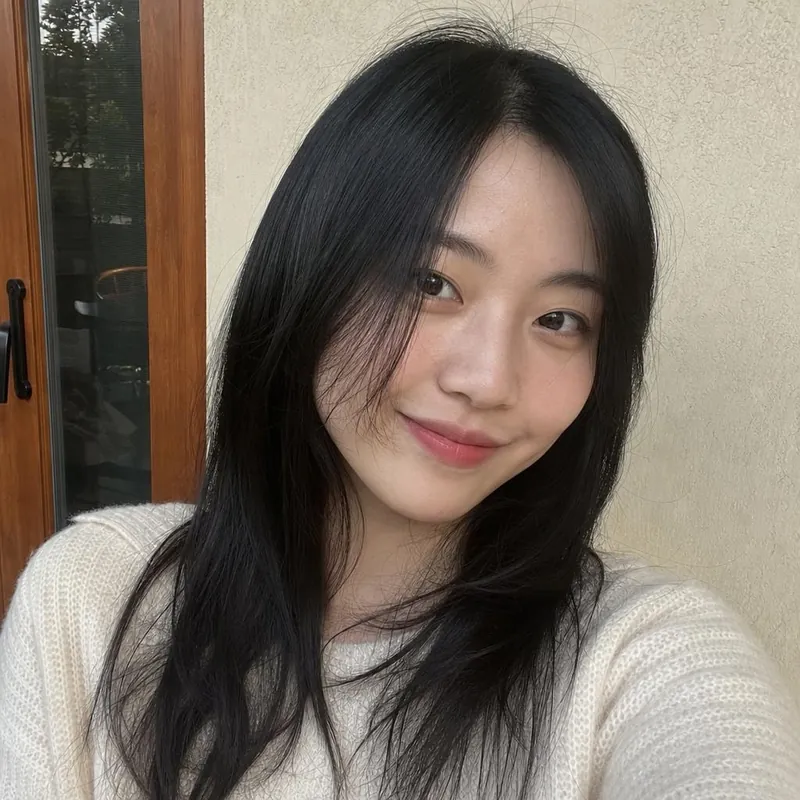
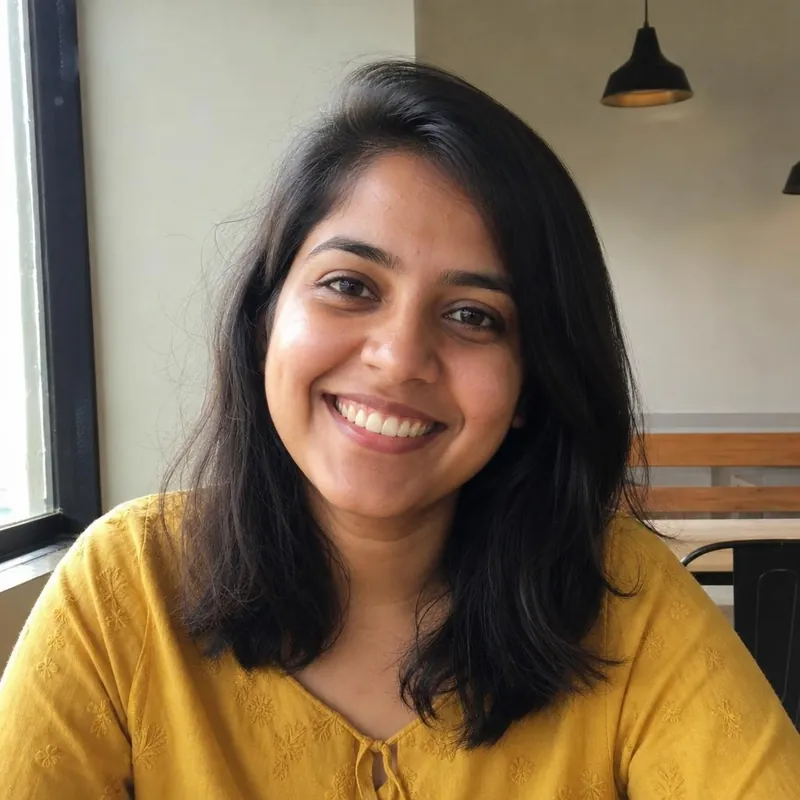
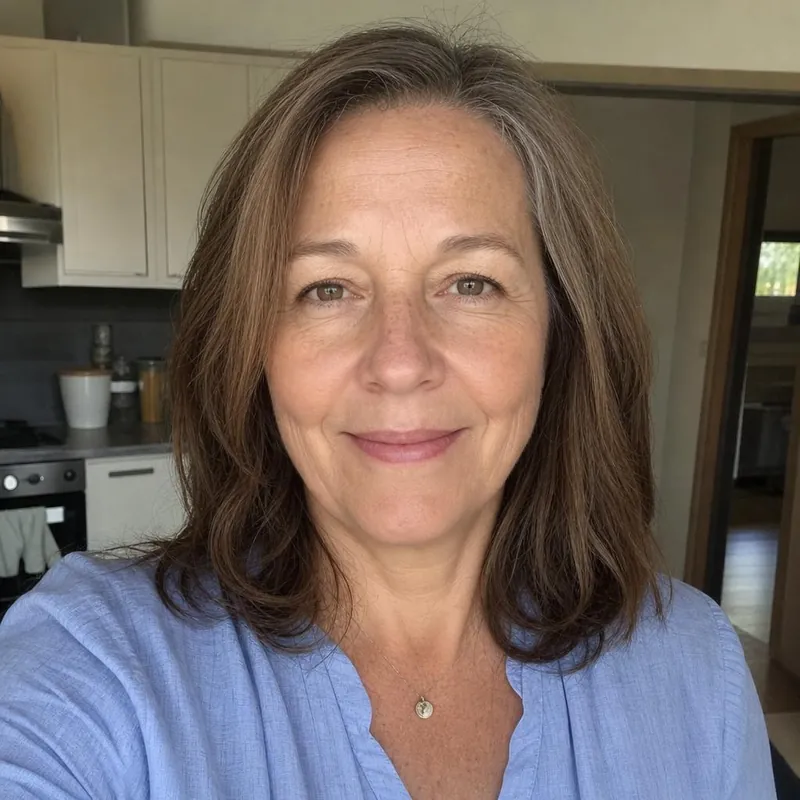
Illustrative input photo
Source photo · illustrative AI image
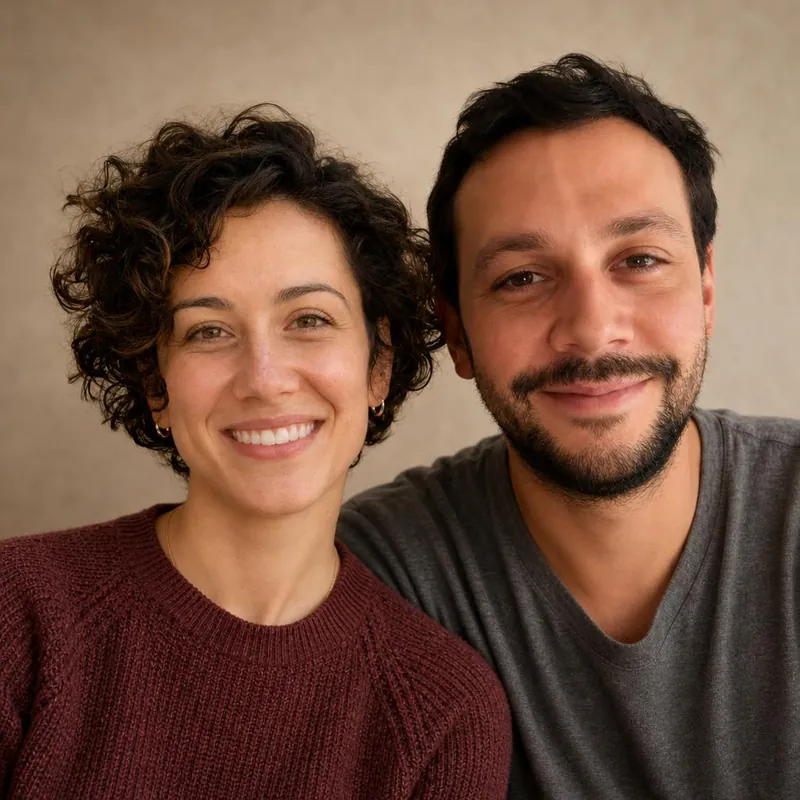
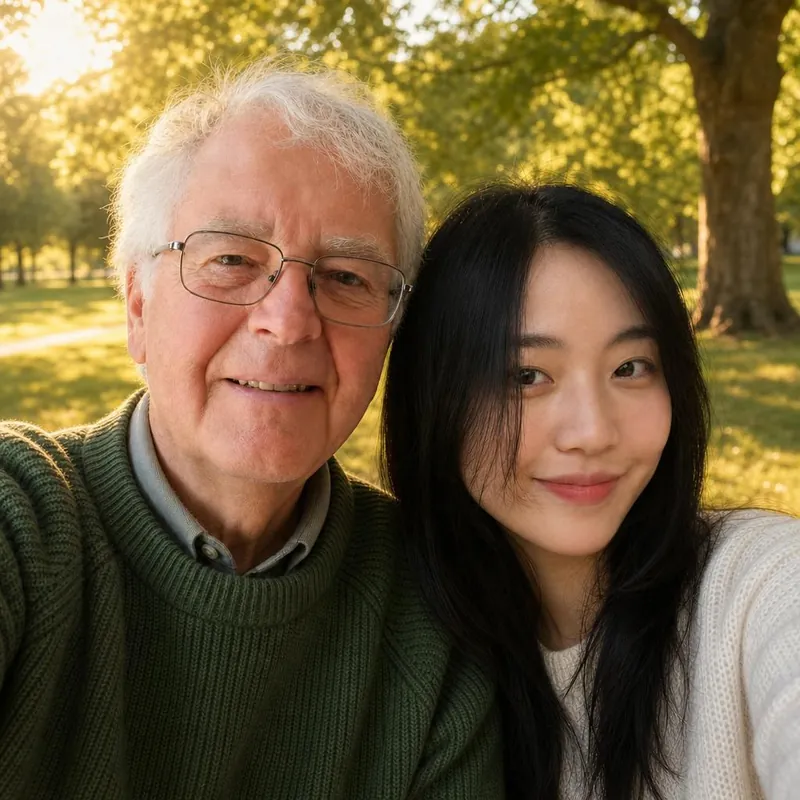
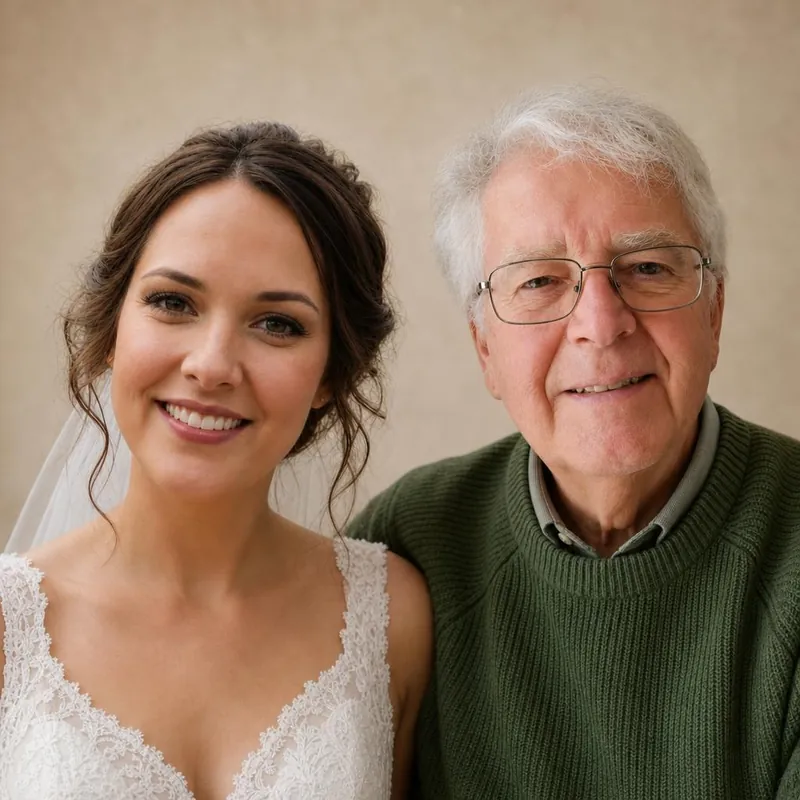
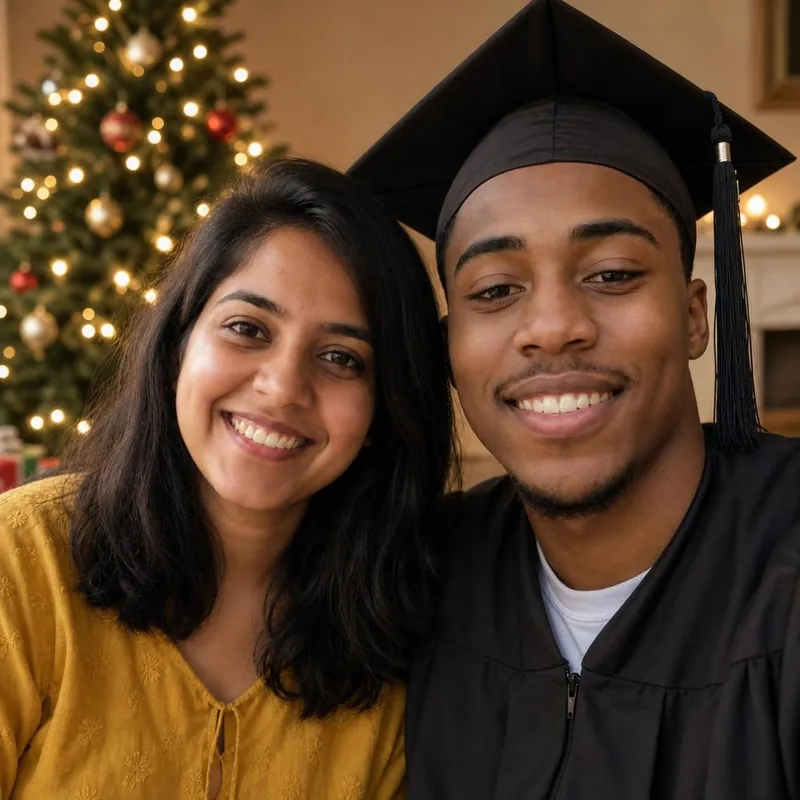
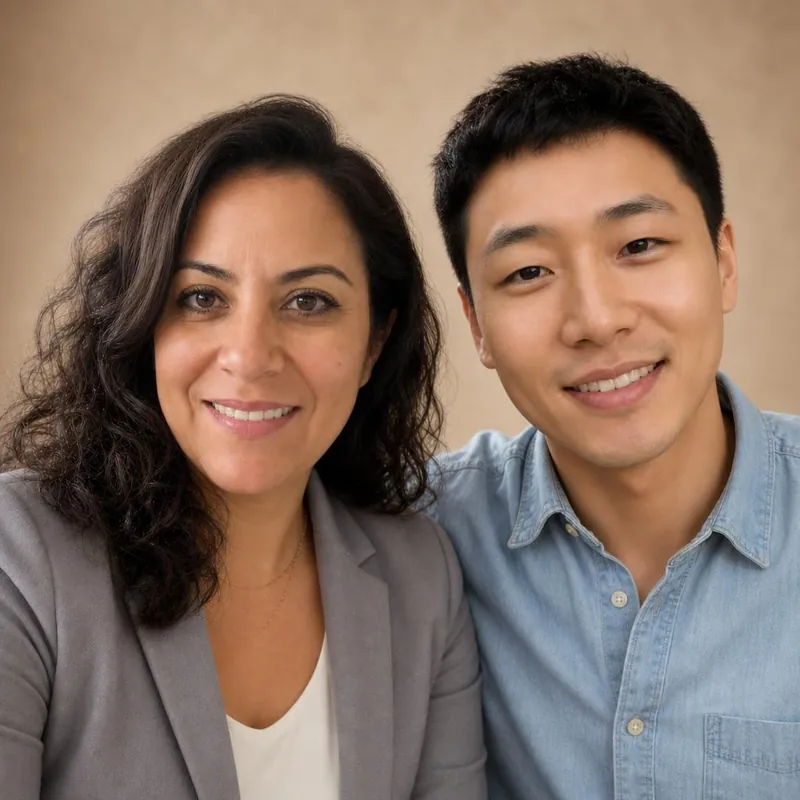
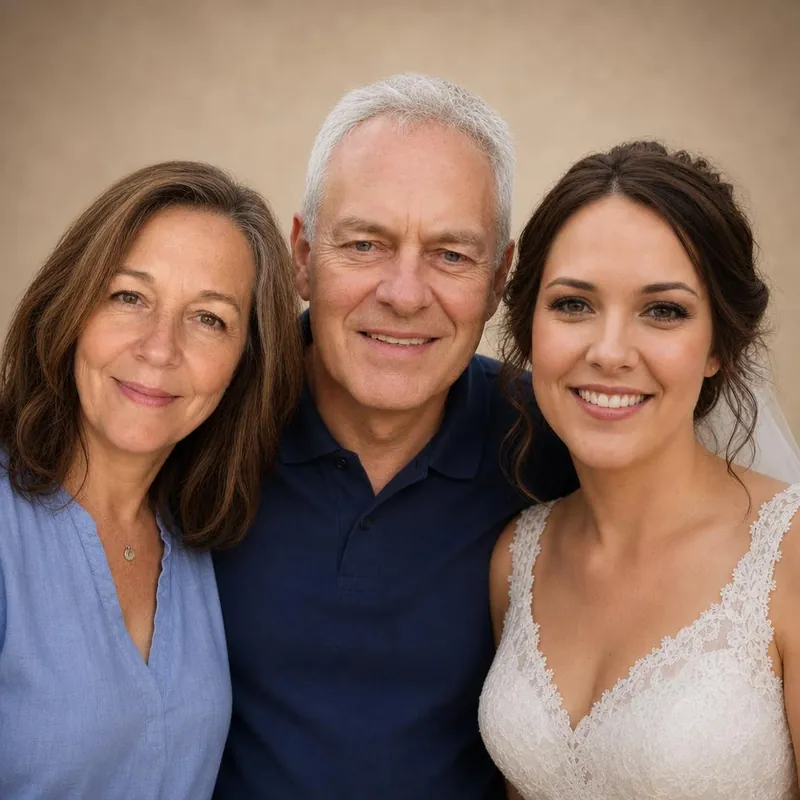
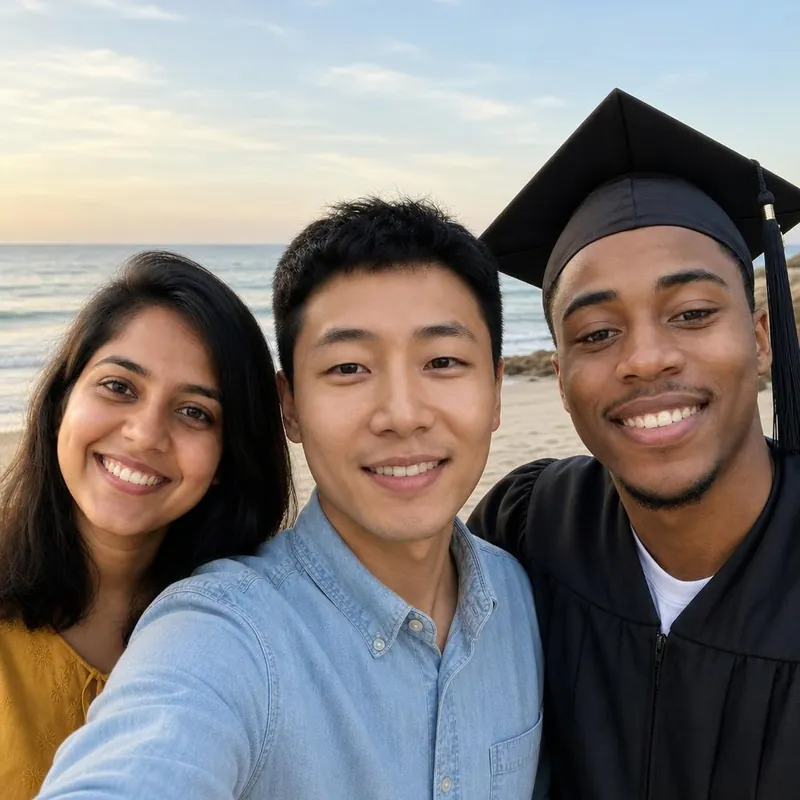
Example AI photo of two people together
Portrait studio
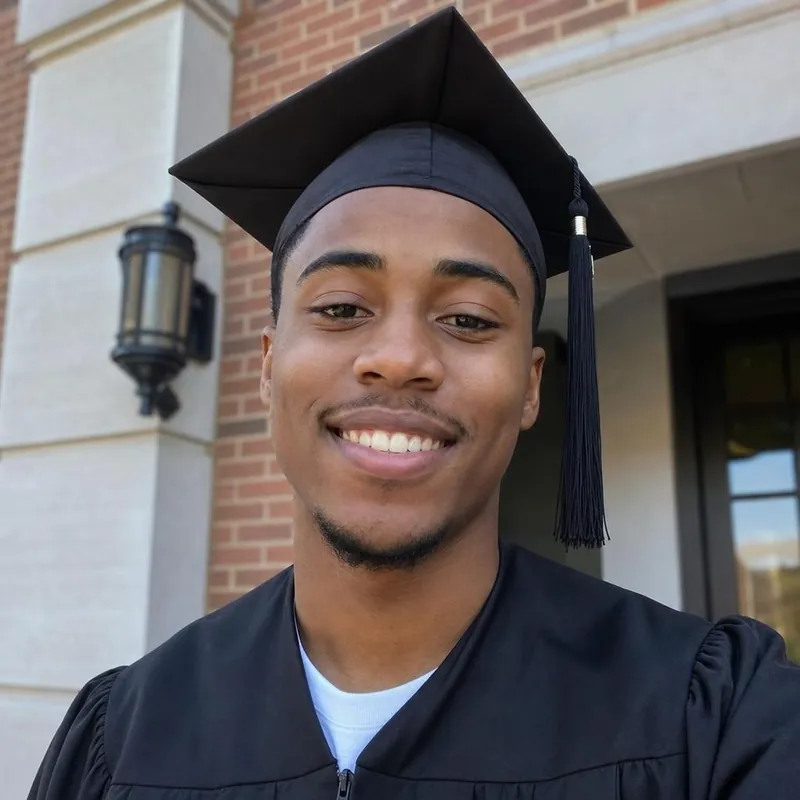
Illustrative input photo
Source photo · illustrative AI image
Illustrative input photo
Source photo · illustrative AI image
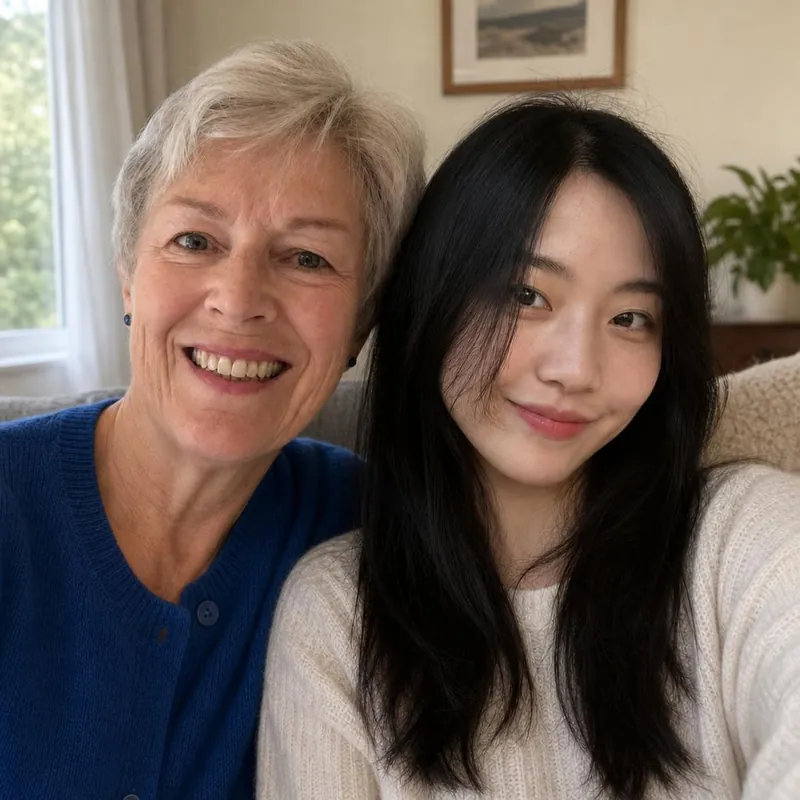
Example AI photo of two people together
Cozy living room
Illustrative input photo
Source photo · illustrative AI image
Illustrative input photo
Source photo · illustrative AI image
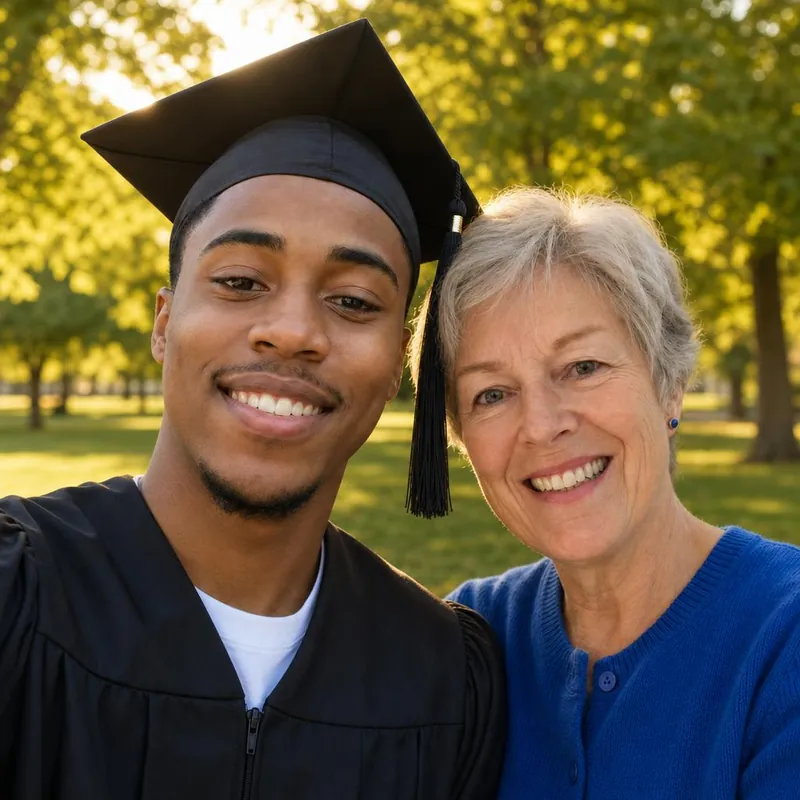
Example AI photo of two people together
Park at golden hour
Illustrative input photo
Source photo · illustrative AI image
Illustrative input photo
Source photo · illustrative AI image
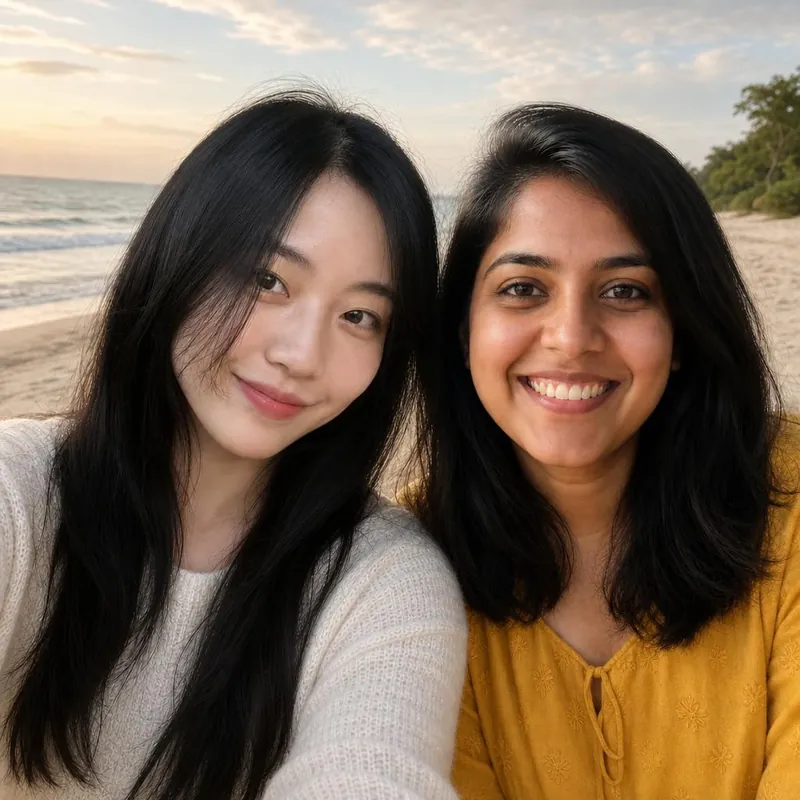
Example AI photo of two people together
Beach
Illustrative input photo
Source photo · illustrative AI image
Illustrative input photo
Source photo · illustrative AI image
Example AI photo of two people together
Portrait studio
Illustrative input photo
Source photo · illustrative AI image
Illustrative input photo
Source photo · illustrative AI image
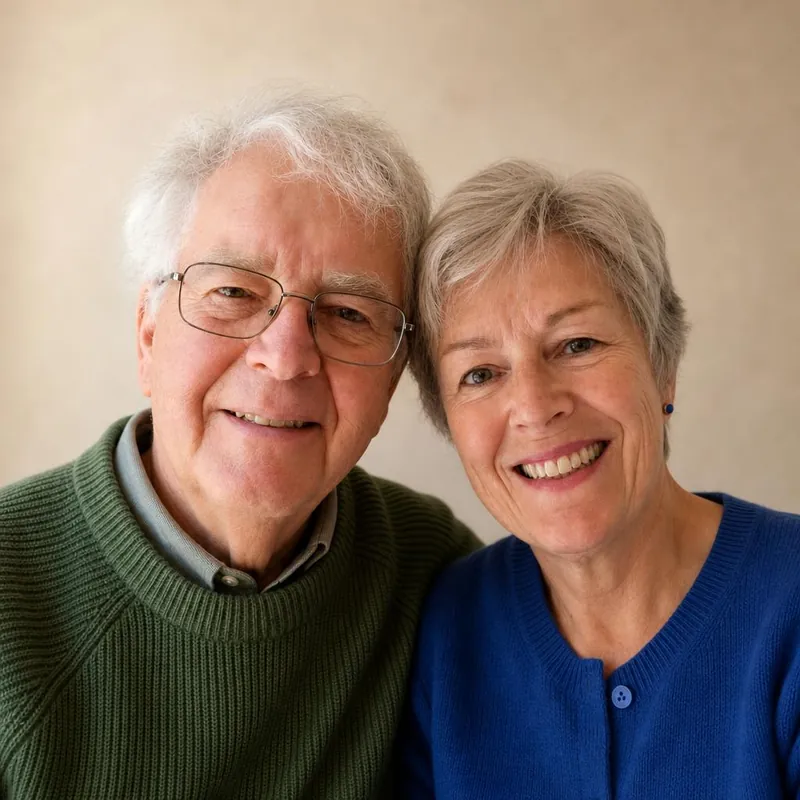
Example AI photo of two people together
Park at golden hour
Illustrative input photo
Source photo · illustrative AI image
Illustrative input photo
Source photo · illustrative AI image
Example AI photo of two people together
Cozy living room
Illustrative input photo
Source photo · illustrative AI image
Illustrative input photo
Source photo · illustrative AI image
Example AI photo of two people together
Holiday room
Illustrative input photo
Source photo · illustrative AI image
Illustrative input photo
Source photo · illustrative AI image
Example AI photo of two people together
Portrait studio
Illustrative input photo
Source photo · illustrative AI image
Illustrative input photo
Source photo · illustrative AI image
Example AI photo of two people together
Portrait studio
Illustrative input photo
Source photo · illustrative AI image
Illustrative input photo
Source photo · illustrative AI image
Illustrative input photo
Source photo · illustrative AI image
Example AI photo of two people together
Three photos · Cozy living room
Illustrative input photo
Source photo · illustrative AI image
Illustrative input photo
Source photo · illustrative AI image
Illustrative input photo
Source photo · illustrative AI image
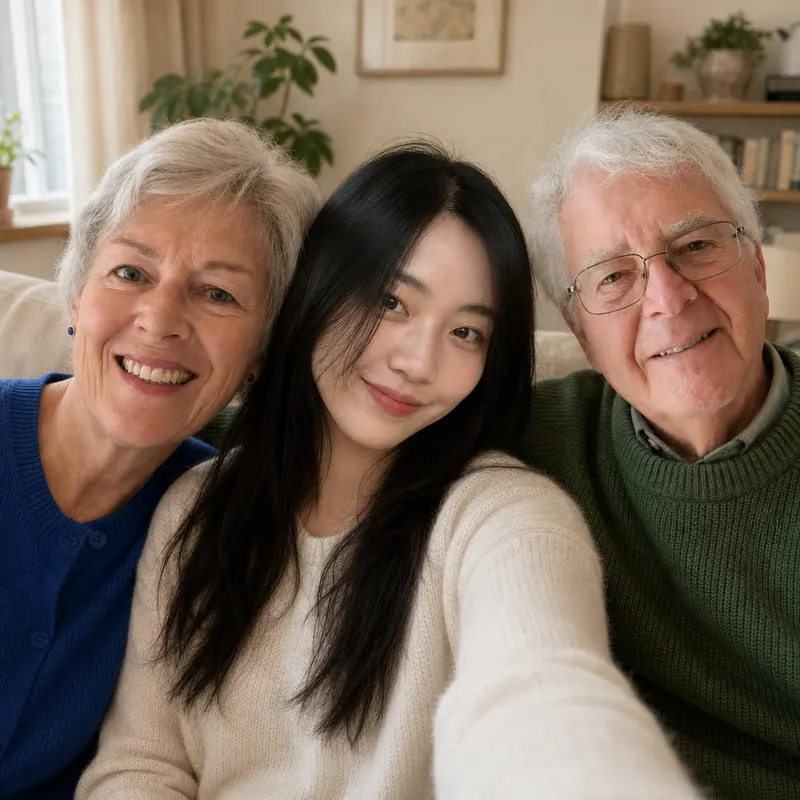
Example AI photo of two people together
Three photos · Portrait studio
Illustrative input photo
Source photo · illustrative AI image
Illustrative input photo
Source photo · illustrative AI image
Illustrative input photo
Source photo · illustrative AI image
Example AI photo of two people together
Three photos · Beach

These examples were made with the same AI model and instructions as the studio, from AI-generated illustrative photos. They are not customer photos. Your results will vary.

Two separate photos become one picture

Upload one photo of each person. SameFrame AI creates a new picture showing them side by side in the setting you choose. You do not need an existing photo of them together.

Choose clear, similar photos

Use a photo where each face is large, sharp and looking toward the camera. Photos taken from a similar angle give the AI more to work with. Avoid sunglasses, heavy filters and group shots.

Check both faces in the preview

The AI creates a new image, so faces, hair, hands and clothing can change, and two faces can sometimes look more alike than they should. Compare each person with their own photo before you pay.

Only with their agreement

Upload photos of people only if you have the right to use them and the people shown have agreed. Do not use this studio to mislead anyone or to present the picture as a real photograph.