How-to
Put Three People in One Photo
Three generations, three friends in three cities, or two people and a dog: one more photo makes a picture of all three.
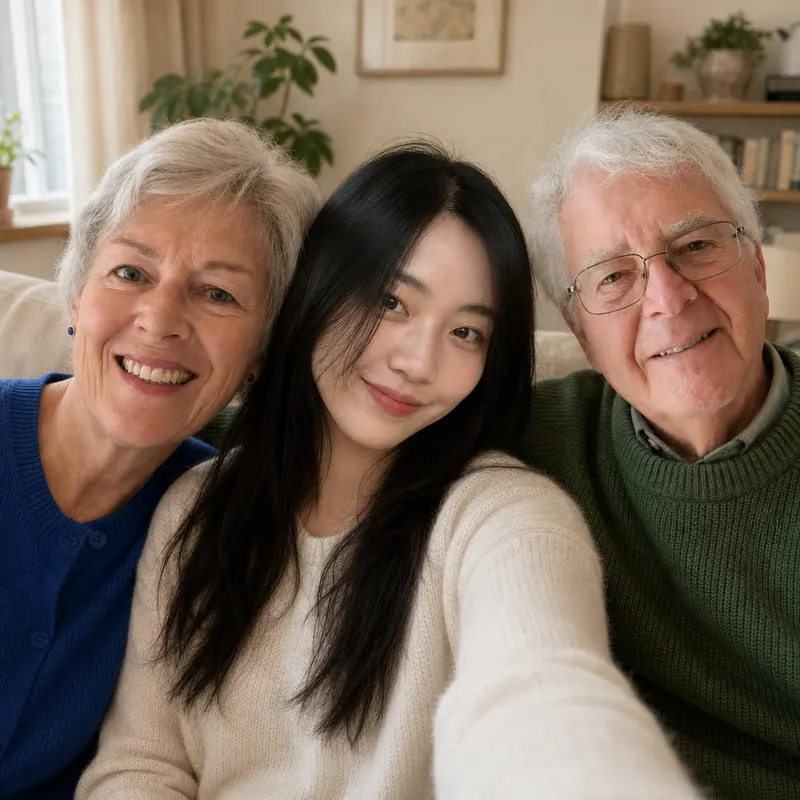
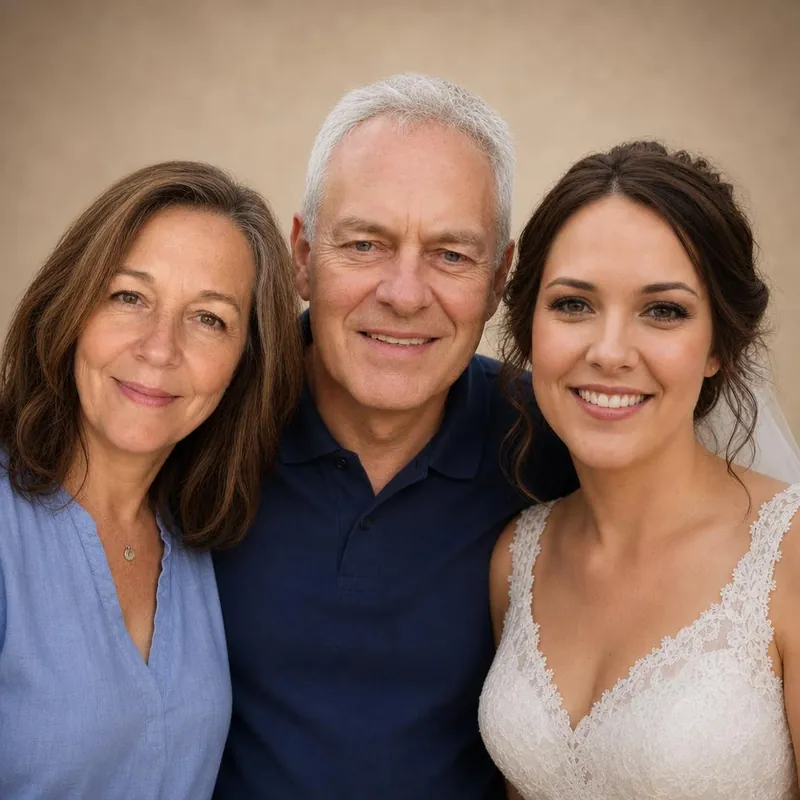
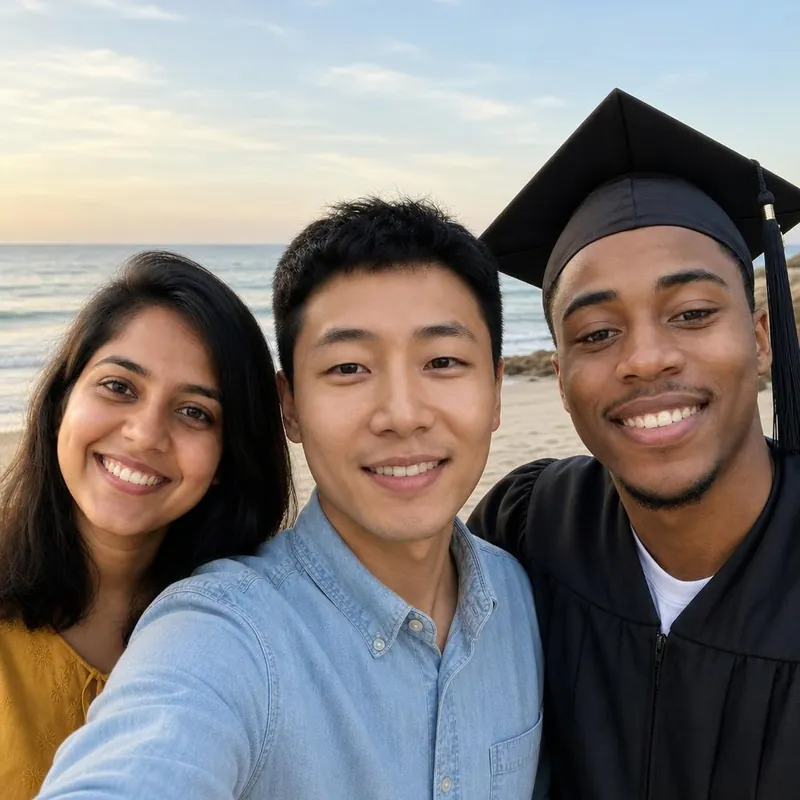
Start with two photos
Open a studio and upload the first two photos as usual. The first two photos are always required.
Open the third photo
Select Add a third person or pet (optional), choose whether the third photo shows a person or a pet, and upload it.
One subject per photo
Each of the three photos should show one person or one pet. Crop group photos first.
Expect a tighter picture
Three subjects share the same square picture, so each one appears smaller than in a picture of two.
Check all three
With three subjects the AI is more likely to change a face, mix up features or leave someone out. Compare each one with their own photo in the free preview.
Three is the limit
A picture can show up to three people or pets. For a larger family, make several pictures. Each original costs US$1.
Bring them into the same frame.
Start with a free watermarked preview. No account needed.
Choose your studio ↗