Instructions
How to Crop a Photo So Only One Person Is in It
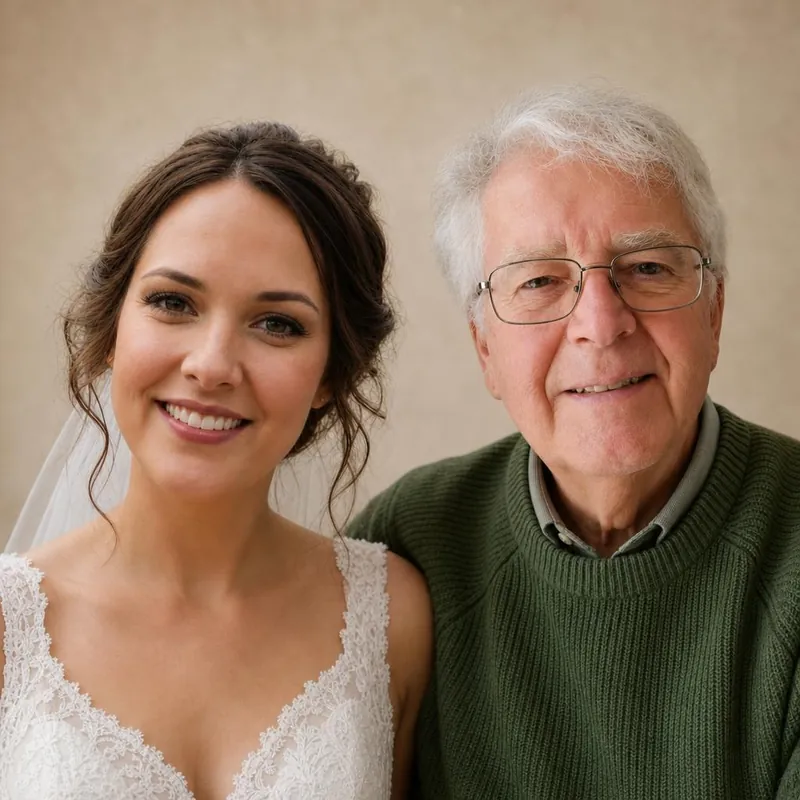
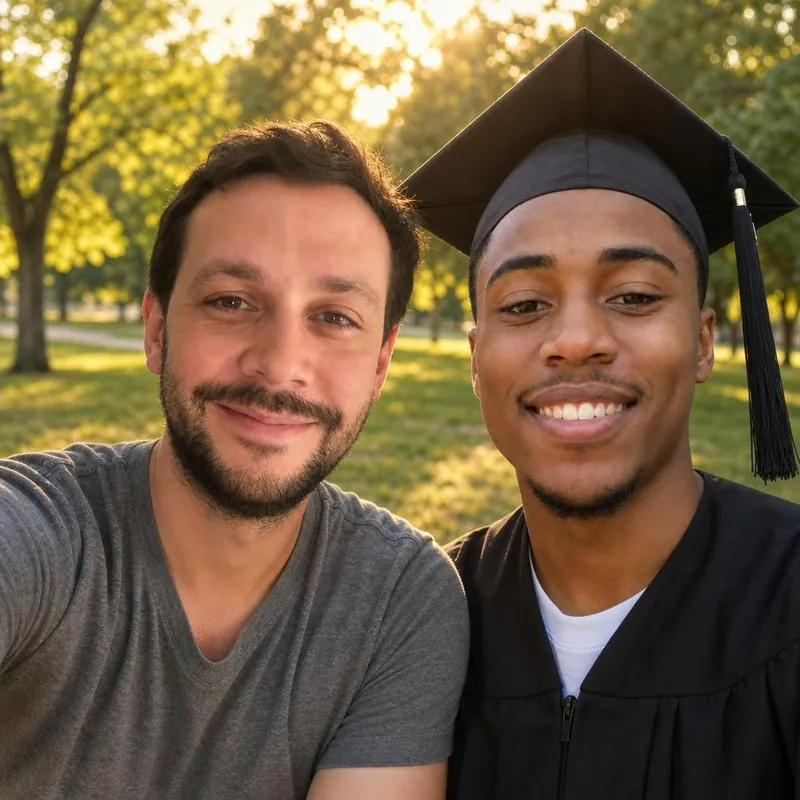
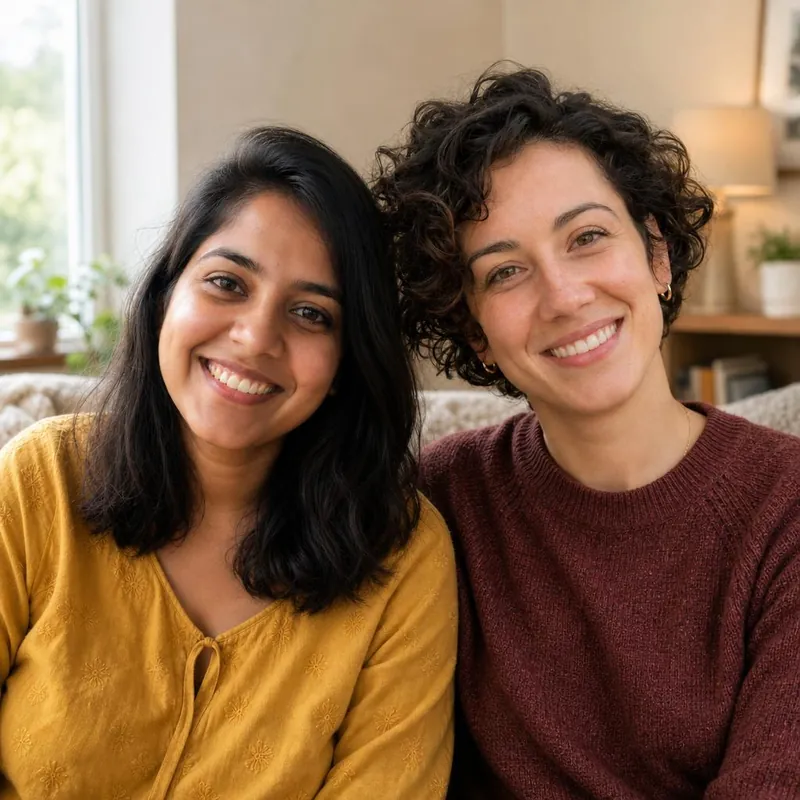
The best photo of someone is often a group photo. Cropping it to one person takes a minute and gives the AI a much clearer subject.
Why one subject per photo
Each studio expects one person or one pet in each photo. Extra faces can confuse the AI about who should appear in the picture.
Crop on a phone
Open the photo in your phone's photo app, choose Edit, then Crop. Drag the corners until only one person is left, and save it as a copy so the original is kept.
Crop on a computer
Open the photo in the built-in photo or preview app, choose the crop tool, select the person, and save a copy as JPG or PNG.
Leave some space
Keep the whole head, hair and shoulders, with a little space around them. Very tight crops remove detail the AI can use.
Check that it is still sharp
A small face cropped from a large group photo can be blurry. If the eyes are not clear when you zoom in, choose a different photo.
Upload the copy
Upload the cropped copy as JPG, PNG or WebP up to 10 MB. Your browser resizes it before it is sent.
Bring them into the same frame.
Start with a free watermarked preview. No account needed.
Choose your studio ↗